

RemoveSubs
Remove burned-in subtitles, captions, and text from videos with AI, without cropping or manual editing.
AI WritingFree tierWebPublic0 Views
Screenshots
About this product
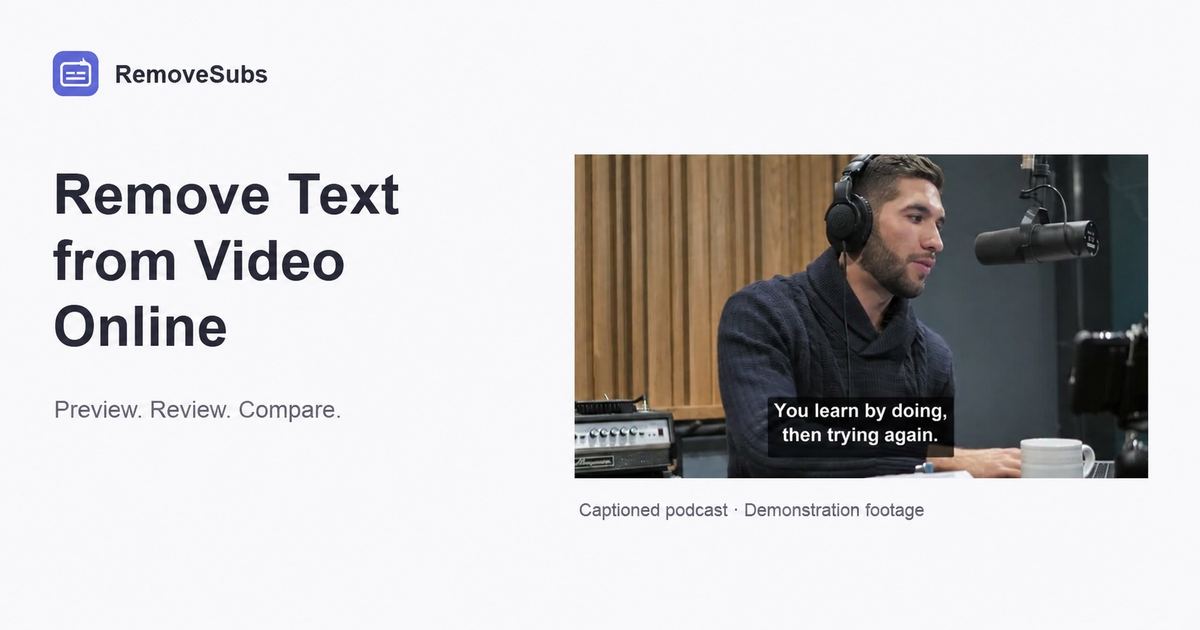
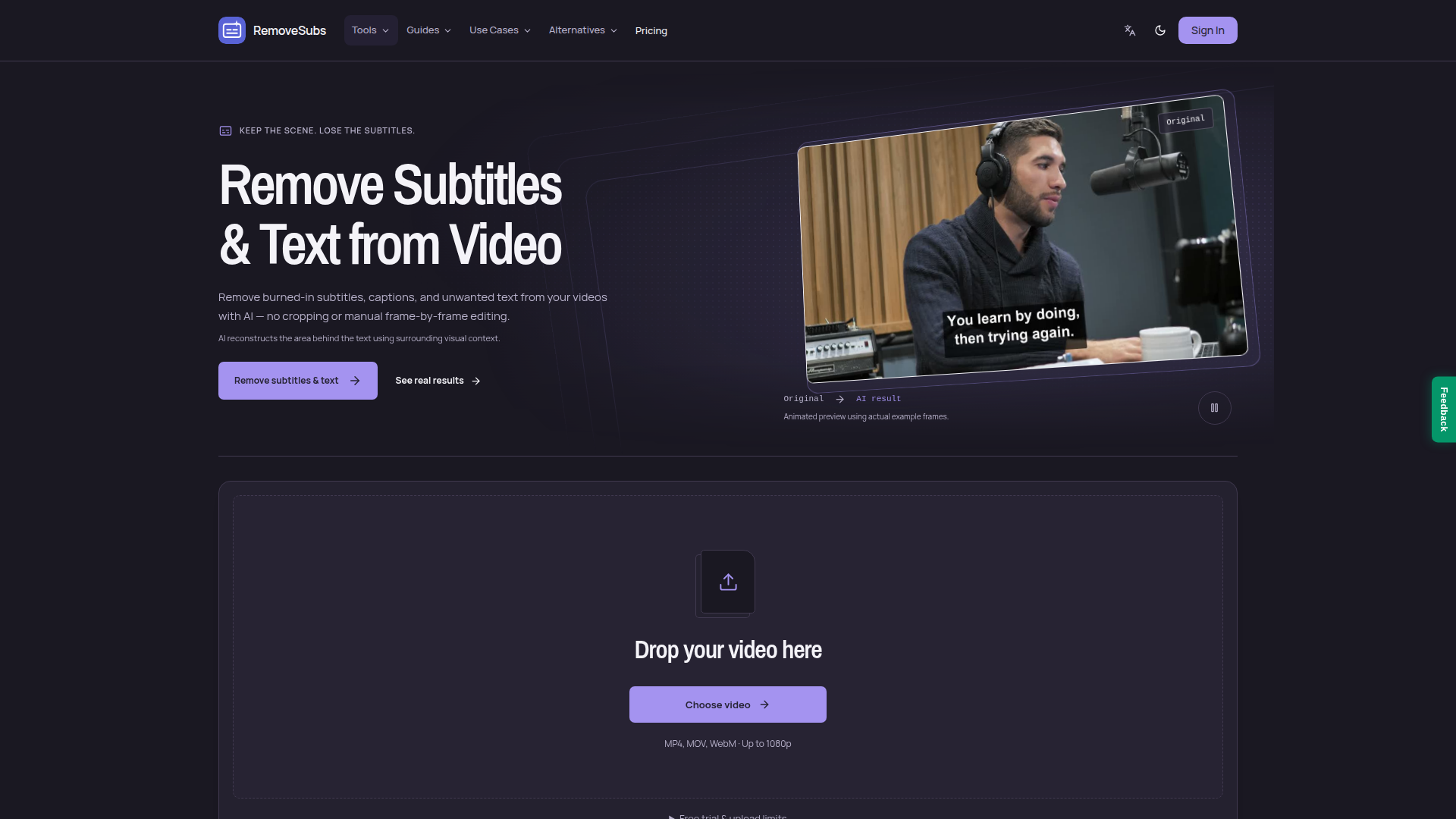
RemoveSubs is a specialized AI-powered web application designed to erase burned-in subtitles, hardcoded captions, social media text overlays, timestamps, labels, titles, and lower thirds from videos without cropping the frame or performing manual frame-by-frame editing. Its Website Positioning is that of a focused, single-purpose utility for post-production cleanup: rather than being a full video editor, it solves one painful problem — text that is permanently baked into the pixels of a clip — and hands the user back a clean, reusable starting point for re-editing, re-captioning, translation, or repurposing. The Target Audience includes content creators and short-form video producers working with TikTok, Instagram Reels, and YouTube; podcast and interview editors who need to strip old subtitles before adding a new language or transcript; video editors and agencies refreshing client footage; and marketers recycling archived material with outdated on-screen text. Core Features center on an AI reconstruction engine that detects visible text and then estimates the area behind it using surrounding visual context, preserving the original framing and aspect ratio instead of cropping. The platform offers dedicated tool pages for subtitle removal, caption removal, and hardcoded subtitle removal, plus platform-specific pages for TikTok, YouTube, and Instagram, alternative-comparison pages (VEED, Vmake, Media.io), and educational guides explaining hardcoded versus embedded subtitles. Users upload MP4, MOV, or WebM files (up to 1080p), preview the clip and the credit cost before confirming, then compare the original and AI result side by side before downloading. Content Features include real before-and-after demo videos, crop-level detail comparisons, honest caveats about artifacts such as blur, flicker, or invented detail, and practical how-to guides. User Experience is streamlined: drag-and-drop upload, transparent 1-credit-per-second pricing with a 3-credit minimum, and a clearly stated free trial of 3 credits after email verification. Technical Features include automatic text detection, AI inpainting-style reconstruction, concurrent job processing, credit-based metering, result retention windows, private storage of source and results, multi-language UI, and light/dark theme toggling. The service is priced as a freemium subscription with monthly and annual billing plus optional credit packs.
Similar products
 Infographic Generator AITransform data into beautiful infographics with our AI-powered tool!
 InvofoxInvofox simplifies document management through powerful AI-driven data extraction, enabling software solutions for businesses of all sizes.
 Magical Children's BookCreate magical personalized children's books with AI-generated stories and illustrations, tailored for each child.