

Quady3D AI
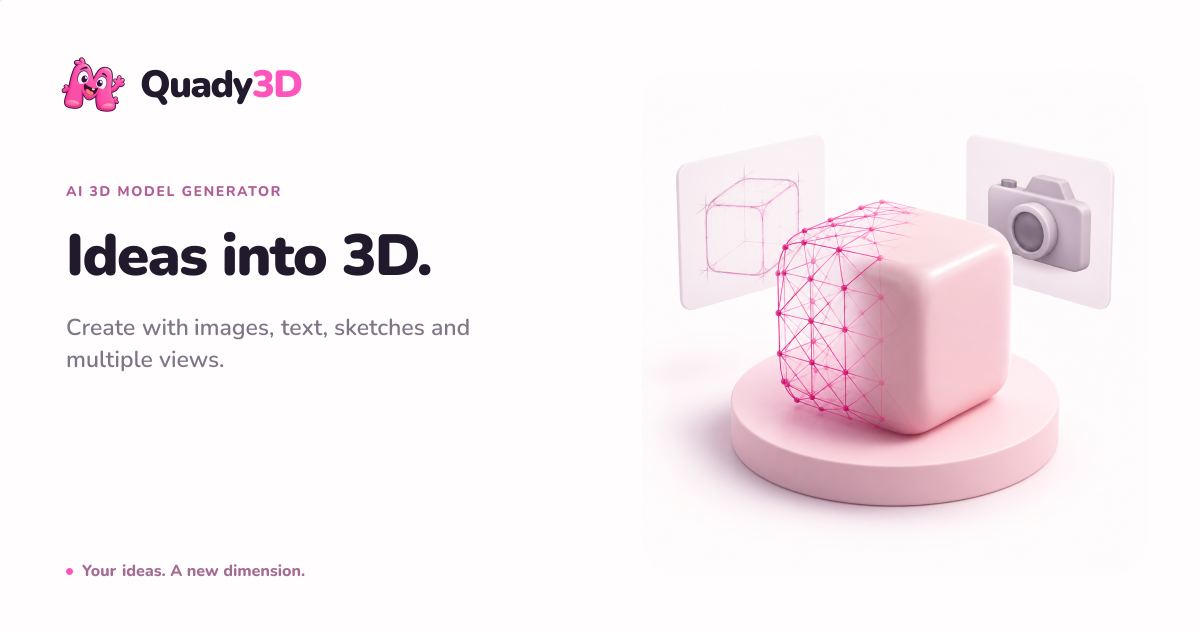
Quady3D AI is a browser-based workspace for creating and evaluating AI-generated 3D models from images, text prompts, sketches, or multiple reference views. Creators can choose supported models and settings, review credit costs before generation, and inspect completed geometry and materials in an in
AI ImageAI VideoFree tierWebPublic0 Views
Screenshots
About this product
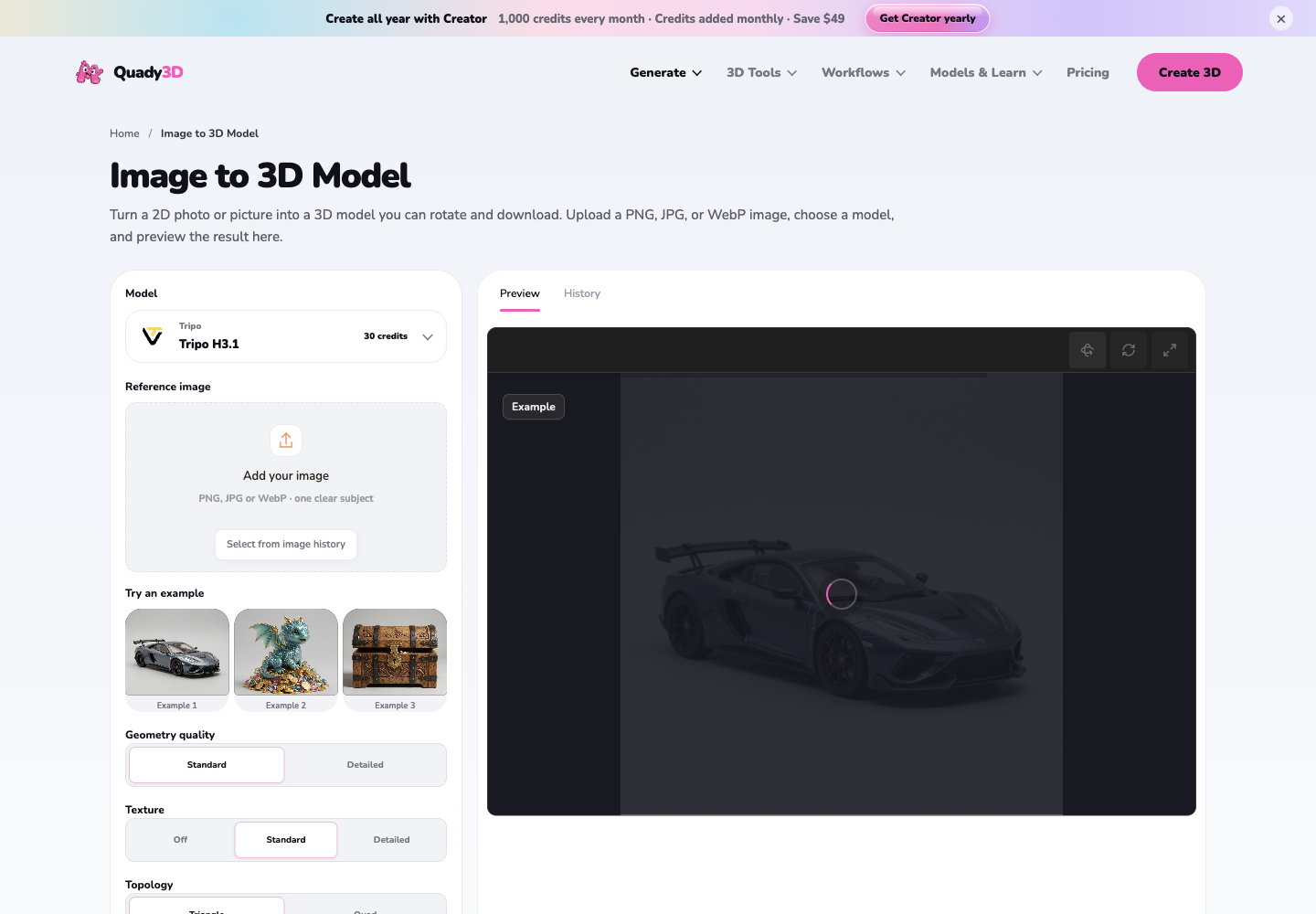
Quady 3D (quady3d.com) is a browser-based AI 3D model generation platform that turns images, text prompts, hand-drawn sketches, and multi-view photo sets into inspectable, downloadable 3D assets. Positioned as an all-in-one AI 3D workspace rather than a single-model demo, it aggregates several leading third-party generation engines — Rodin Gen-2.5, Meshy v7 and Meshy 6, Hunyuan 3D 3.0 and 3.1 Rapid, Tripo H3.1 and P2, TRELLIS 2, Hi3D v3 and Seed3D 2.0 — behind one consistent interface so users can compare outputs and choose the engine that best fits their input type. Core features span four input workflows (Image to 3D, Text to 3D, Sketch to 3D, Multi-image to 3D), asset creation tools (3D character generator, character animation/rigging, low-poly generator, game asset generator, AI STL generator), and material tools (AI texture generator, retexture, Text to PBR, Image to PBR). A separate utility suite handles 3D text, SVG-to-3D, logo-to-3D, voxel generation, lithophane creation, and file conversion and inspection between STL, OBJ, GLB and PNG/JPG sources, all inside the browser with dedicated STL and 3D model viewers. The target audience includes indie game developers, 3D printing hobbyists and sellers, product designers, Blender/Unity/Roblox/Unreal creators, and figurine or collectible makers who need fast concept geometry without mastering modeling software. Content features are unusually strong for a generator: a model catalog with per-model capability notes, head-to-head comparisons (Meshy vs Tripo, best AI 3D generators), workflow use cases, a prompt library, example galleries showing input beside output, changelog, blog, and step-by-step learn guides. User experience emphasizes a three-step flow — add a reference, choose a model and settings, then inspect and download — with credit cost shown before generation, in-workspace job progress, 3D rotation previews, and community model browsing. Technically, the product is fully cloud-hosted and install-free, supports credit-based metering with per-generation cost variation, monthly subscription storage tiers (2GB to 50GB), 1–4 concurrent generation tasks, personal folders, and account-level privacy controls with permanent deletion.
Similar products
 Flux AI ProCreate high-resolution images effortlessly with Flux AI Pro, the advanced AI image generator renowned for its excellent text rendering capabilities.
 Girlfriendly AIDiscover Girlfriendly AI, the ultimate NSFW character chat platform offering unrestricted interactions and various adult roleplay scenarios to explore.
 RenderLionCreate stunning videos effortlessly with RenderLion's AI video generator. Perfect for businesses and marketers looking to enhance engagement and brand visibility.