

Image Converter 24
Convert images between 20+ formats like PNG, JPG, WEBP, HEIC, and PDF instantly in your browser. Free, unlimited, no signup, privacy-first.
AI ImageFreeWebPublic0 Views
Screenshots
About this product
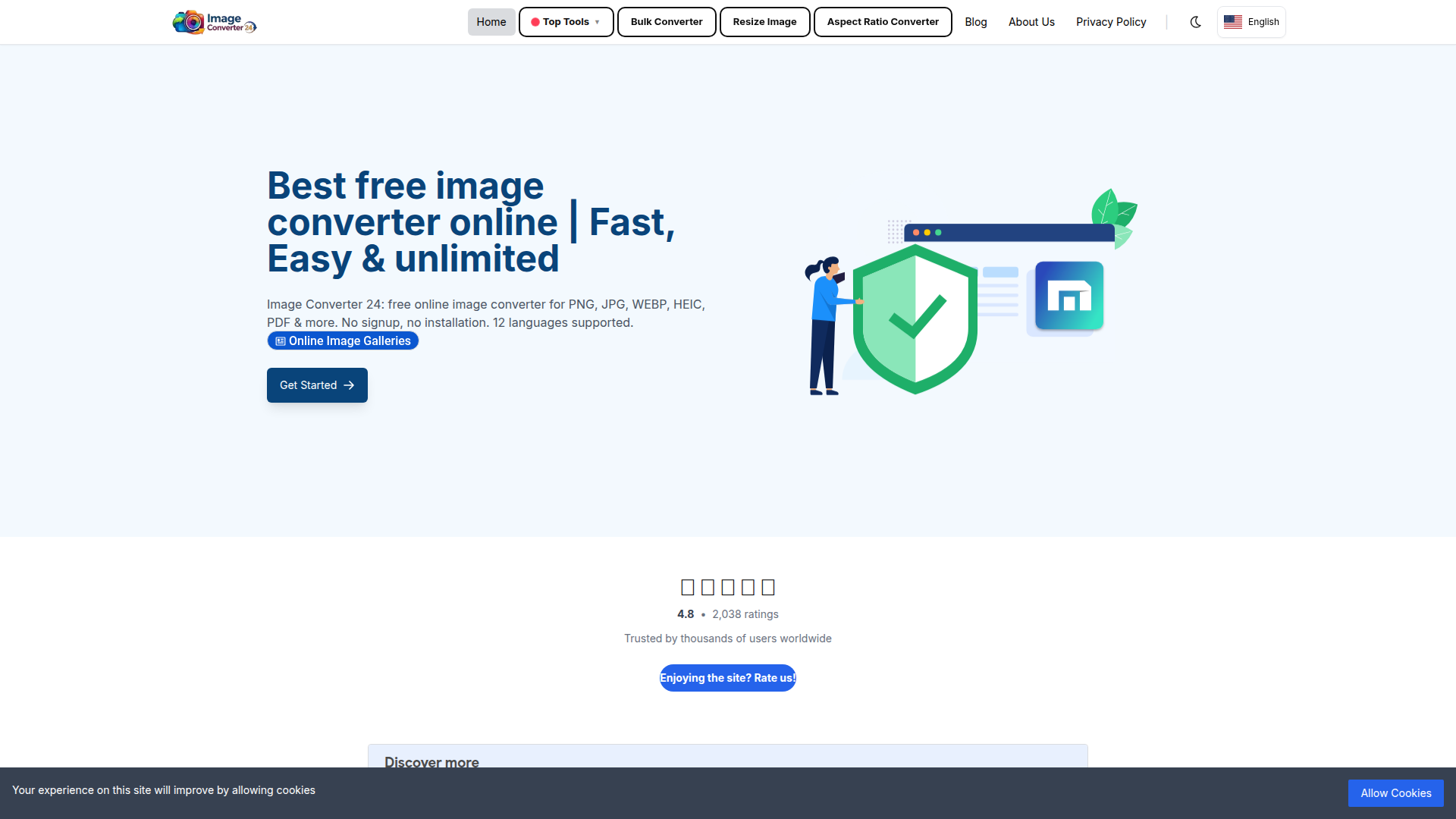
Image Converter 24 (imageconverter24.com) is a free, browser-first online image conversion platform built for anyone who needs to change an image's file format quickly, privately and without installing software or creating an account. Positioned as a lightweight, privacy-conscious alternative to heavy desktop suites and upload-based converter sites, it lets users drag and drop up to 20 files at a time (up to 10 MB each) and convert between more than 20 formats — including PNG, JPG/JPEG, WEBP, HEIC/HEIF, AVIF, GIF, BMP, TIFF, TGA, PSD, SVG, ICO, DDS, DIB, JP2, EPS, HDR, WBMP and PDF — directly in the browser. Its target audience spans web designers and developers, e-commerce sellers and marketers, print and DPI-focused professionals, game asset creators, Cricut/craft users, iPhone owners stuck with HEIC photos, and everyday users who simply need a PNG for a website or a PDF for a client. Core features include a general converter, a bulk/batch converter, a resize-image tool, an aspect-ratio converter, DPI conversion (72–600 DPI), size-targeted compression (20 KB to 100 MB), dimension presets (300×300 up to 8000×8000), device wallpaper presets for PC, iPhone, Samsung and mobile, PNG-to-ICO favicon generation in multiple sizes, multipage PDF-to-TIFF, JPG-to-PDF merging, PSD layer extraction, and a free AI text-to-image generator. Content features include a large library of pre-built "common converter" landing pages (e.g. JPEG to PNG, PNG to WEBP, WEBP to BMP), long-tail use-case pages such as "DIB to GIF for Instagram" or "WEBP to TIFF for Email", and an active blog covering format comparisons and how-to tutorials. The user experience is deliberately frictionless: no signup, no login, no email, no watermarks, instant downloads, and a clean three-step workflow (upload, choose format, download). Technically, conversions run in the browser so files never leave the device, backed by 256-bit SSL, firewall protection, temporary server storage that deletes files after one hour, and compatibility with Chrome, Firefox, Edge and Safari. The interface is localized into 12 languages including English, Arabic, German, Spanish, French, Hindi, Italian, Japanese, Portuguese, Russian, Turkish and Simplified Chinese, making it genuinely usable worldwide.
Similar products
 Flux AI ProCreate high-resolution images effortlessly with Flux AI Pro, the advanced AI image generator renowned for its excellent text rendering capabilities.
 Girlfriendly AIDiscover Girlfriendly AI, the ultimate NSFW character chat platform offering unrestricted interactions and various adult roleplay scenarios to explore.
 Red Panda AIUnlock your creativity with Red Panda AI, the cutting-edge platform for generating stunning visuals in seconds. Perfect for all creative professionals.