

Dime Dime Baby
Turn one adult photo into the viral Dime Dime Baby TikTok party dance. Native 9:16 MP4 in about 9 seconds, no filming required.
AI WritingAI VideoPaidWebPublic0 Views

Screenshots
About this product
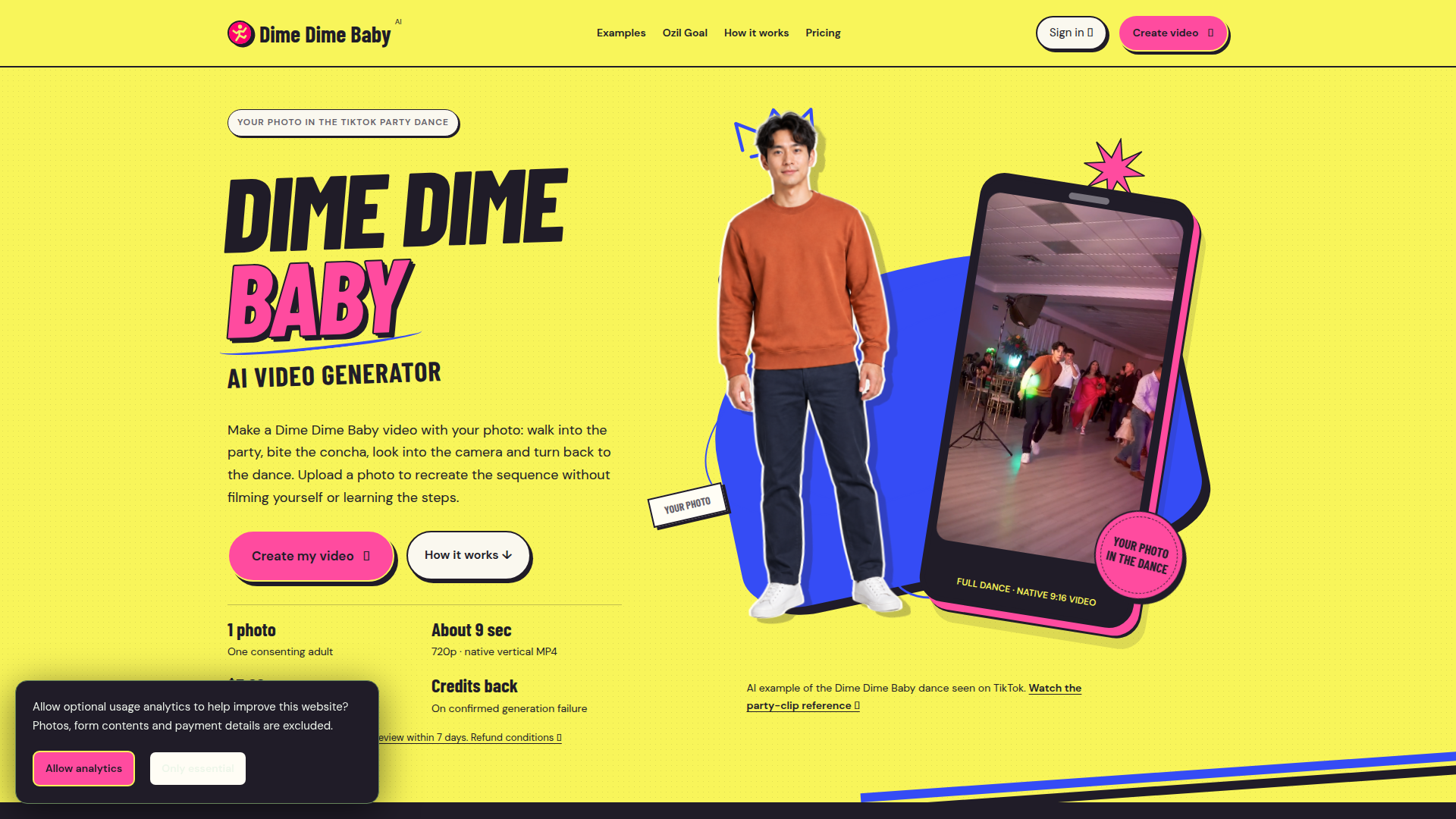
DimeDimeBaby.info is a browser-based AI video generator built around one very specific viral TikTok trend: the Dime Dime Baby / BbY WOW party dance. Instead of editing templates or filming yourself, you upload a single front-facing photo of one consenting adult (JPG, PNG or WebP, up to 5 MB) and the site animates that person into the full concha-bite sequence — walking toward the camera through the party, swaying to the groove, biting a Mexican sweet bread, pausing with a straight-faced look into the lens, and turning back to the dance. The motion reference is pre-set, so no prompt writing, choreography or filming is needed, and the output is produced natively in vertical 9:16 (720 × 1280) as a silent MP4 of roughly nine seconds, ready to save to a phone and pair with the BbY WOW sound inside TikTok or Reels. Website Positioning: a niche, single-purpose creative tool for trend-chasers, meme-makers and social creators who want to ride a fast-moving TikTok dance without CapCut editing skills or on-camera time. Target Audience: TikTok/Reels/Shorts creators, meme accounts, friends making group-content jokes, and casual users curious about the "guy eating bread" AI edits. Core Features: photo-to-dance generation, a second preset (Ozil Goal, a 15-second football approach-and-finish clip), standard 720p and 1080p-enhanced exports, optional original demo music and stadium sound for the football preset, an account area with "My creations", preview-before-download flow, and an 18+ consent confirmation for animating another adult's photo. Content Features: a rich guide library (full tutorial, sound-sync guide, BBY WOW guy explainer, trend history, CapCut template comparison, best-generator comparison), motion-by-motion timing breakdowns, side-by-side photo/video example showcases, and transparent policy pages covering privacy, terms, acceptable use and refunds. User Experience: a clean, single-scroll layout with a numbered three-step workflow, in-page preview panel, credit-pack picker and a large FAQ, plus no added watermark and no recurring charges. Technical Features: cloud AI video generation in the browser, native vertical recomposition from a wide reference, credit-based task queue with automatic credit return on confirmed technical failure, 7-day visual-defect review window, input media scheduled for deletion after 7 days and outputs after 30 days, optional privacy-respecting analytics, and PayPal checkout. Pricing is deliberately simple: a one-time $5.99 single credit pack (one standard video), a recommended $14.99 trio pack (three standards or one enhanced), and a $39.99 squad pack (ten standards or five enhanced), with credits that never expire and no subscription.
Similar products
 Infographic Generator AITransform data into beautiful infographics with our AI-powered tool!
 InvofoxInvofox simplifies document management through powerful AI-driven data extraction, enabling software solutions for businesses of all sizes.
 Magical Children's BookCreate magical personalized children's books with AI-generated stories and illustrations, tailored for each child.