

Bulin 47 AI
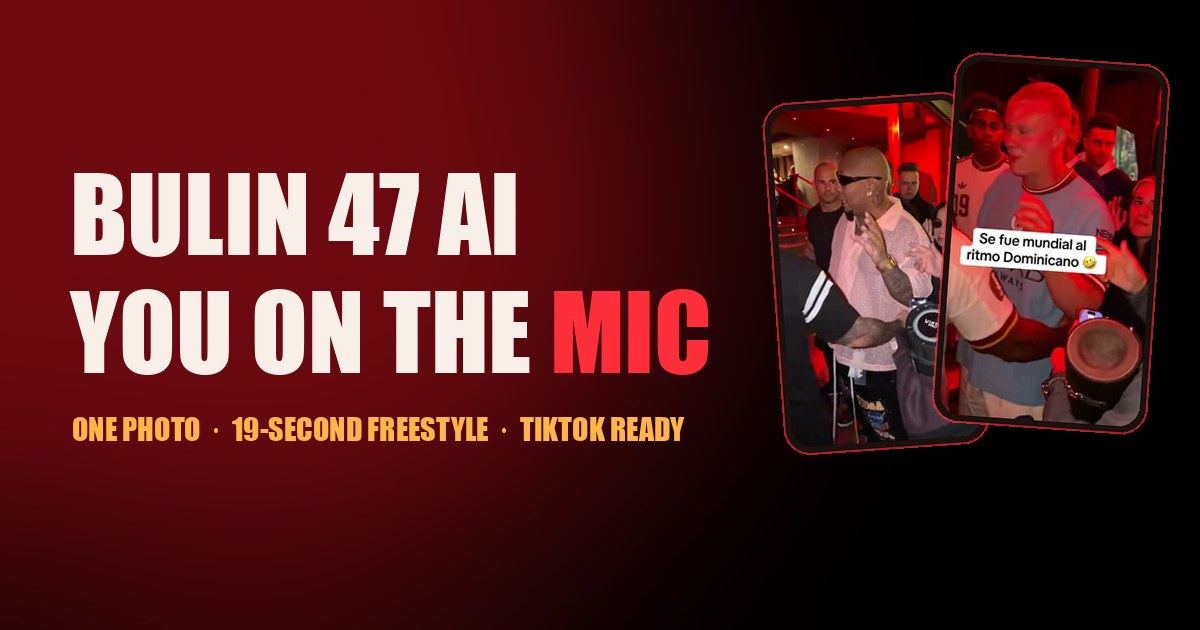
Create the viral Bulin 47 freestyle video with your face. Upload one photo, get a 19-second MP4. No editing, no app, ready for TikTok and Reels.
AI WritingAI ImageFreeWebPublic0 Views
Screenshots
About this product
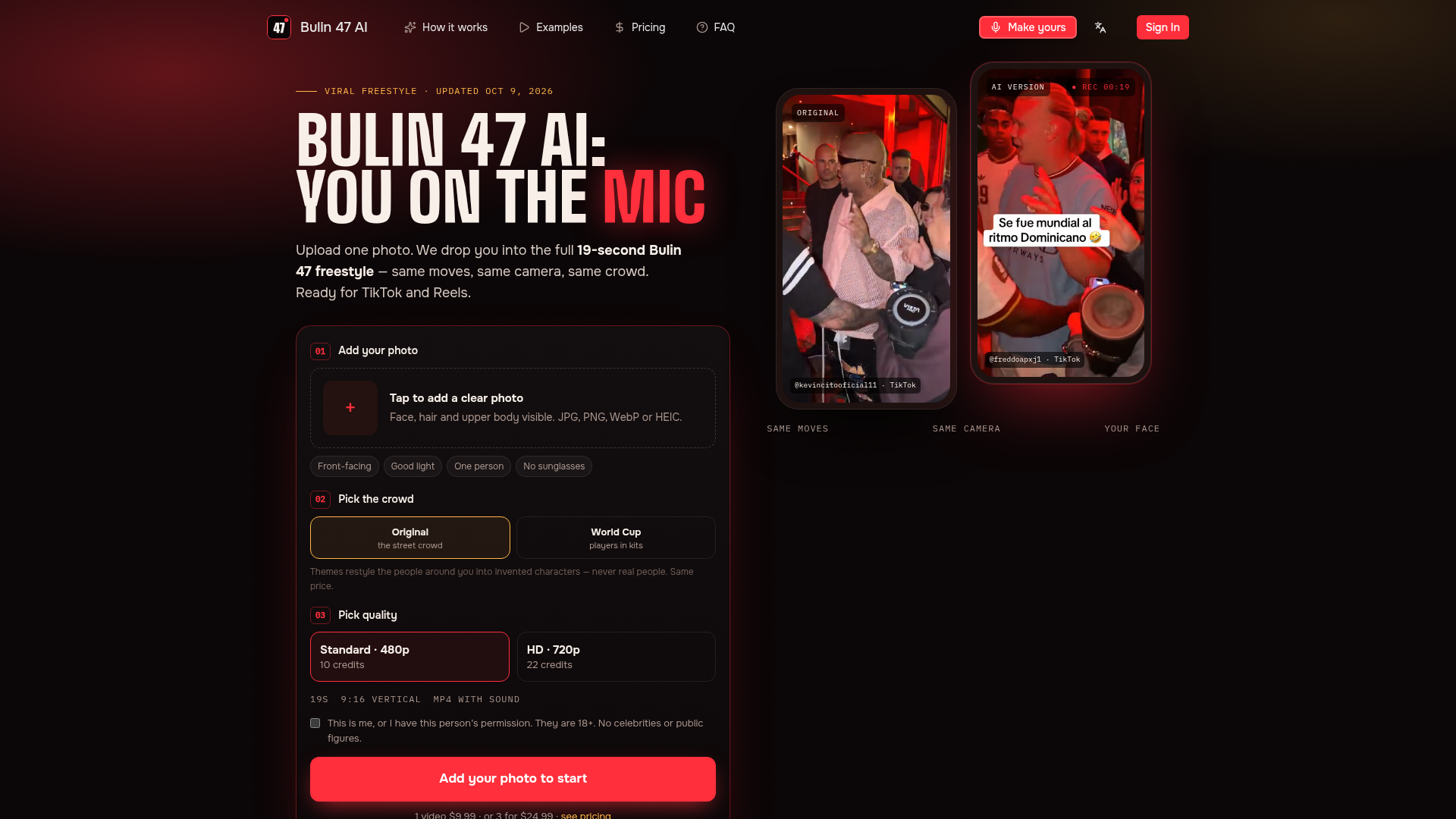
Bulin 47 AI is a single-purpose, browser-based AI video generator that recreates the viral Bulin 47 freestyle trend. The original clip shows Dominican artist Bulin 47 improvising over Kevin Wai's speaker outside a restaurant in Madrid; this tool replaces the performer with you, a friend or even a pet, while keeping the original moves, camera work, crowd and sound intact. Website Positioning: it is an independent, fan-made micro-tool (explicitly not affiliated with, endorsed by or sponsored by Bulin 47 or Kevin Wai) built to ride one specific social media trend, rather than a general-purpose AI video studio. Target Audience: TikTok, Reels and YouTube Shorts creators, meme pages, group chats of friends, and casual users who have seen the trend and want a personalised version without learning video editing or prompt engineering. Core Features: one-photo upload (JPG, PNG, WebP, HEIC); automatic recasting of the performer across the entire 19-second clip; two crowd themes (Original street crowd and World Cup, which redraws bystanders as invented players in national-team kits); two quality tiers (Standard 480p at 10 credits, HD 720p at 22 credits); MP4 output in 9:16 vertical format with the original freestyle audio plus a silent copy; no watermark; automatic credit refunds for failed or blocked renders; a 'My videos' library that retains finished renders even if the tab is closed; and email notification when a render is ready. Content Features: the site pairs the tool with clear three-step onboarding, a 'Before you upload' guidance block listing what makes a good render and known AI limitations (lip sync not frame-exact, slight crowd shifting, occasional carry-over of details like jewellery), a gallery of real TikTok AI versions with creator credits, and editorial guide pages covering the trend timeline and a step-by-step tutorial. User Experience: the whole flow is deliberately short and jargon-free — upload, pick crowd, pick quality, press Make my freestyle — with honest expectation-setting about rendering time (5–20 minutes) and results, plus consent and age attestations before generation. Technical Features: cloud-based AI image-to-video generation, credit-based metering, Stripe secure checkout, account-linked render history, automatic refund logic for failures, and content moderation that blocks celebrities, public figures and minors. Pricing is pay-per-video through credit packs that never expire, making it a low-commitment way to try the trend.
Similar products
 Infographic Generator AITransform data into beautiful infographics with our AI-powered tool!
 Flux AI ProCreate high-resolution images effortlessly with Flux AI Pro, the advanced AI image generator renowned for its excellent text rendering capabilities.
 InvofoxInvofox simplifies document management through powerful AI-driven data extraction, enabling software solutions for businesses of all sizes.