

Automater
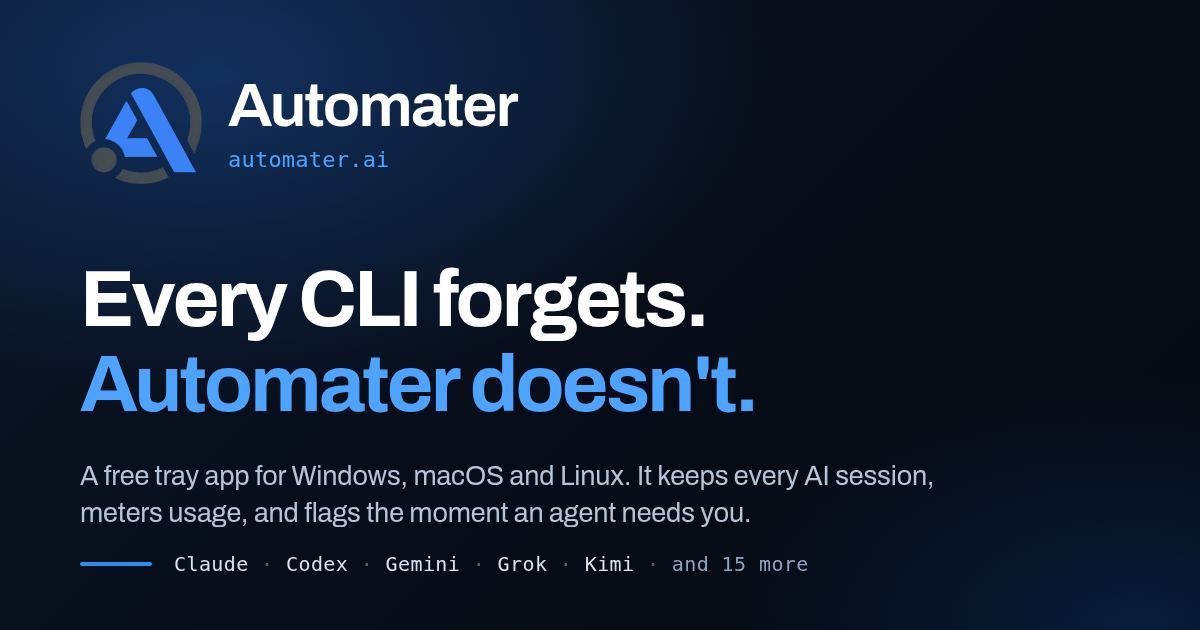
Automater unifies your AI CLI and desktop sessions into one searchable local library, flags agents waiting on you, and tracks usage across providers.
AI CodingAI ChatFreeWebPublic1 Views
Screenshots
About this product
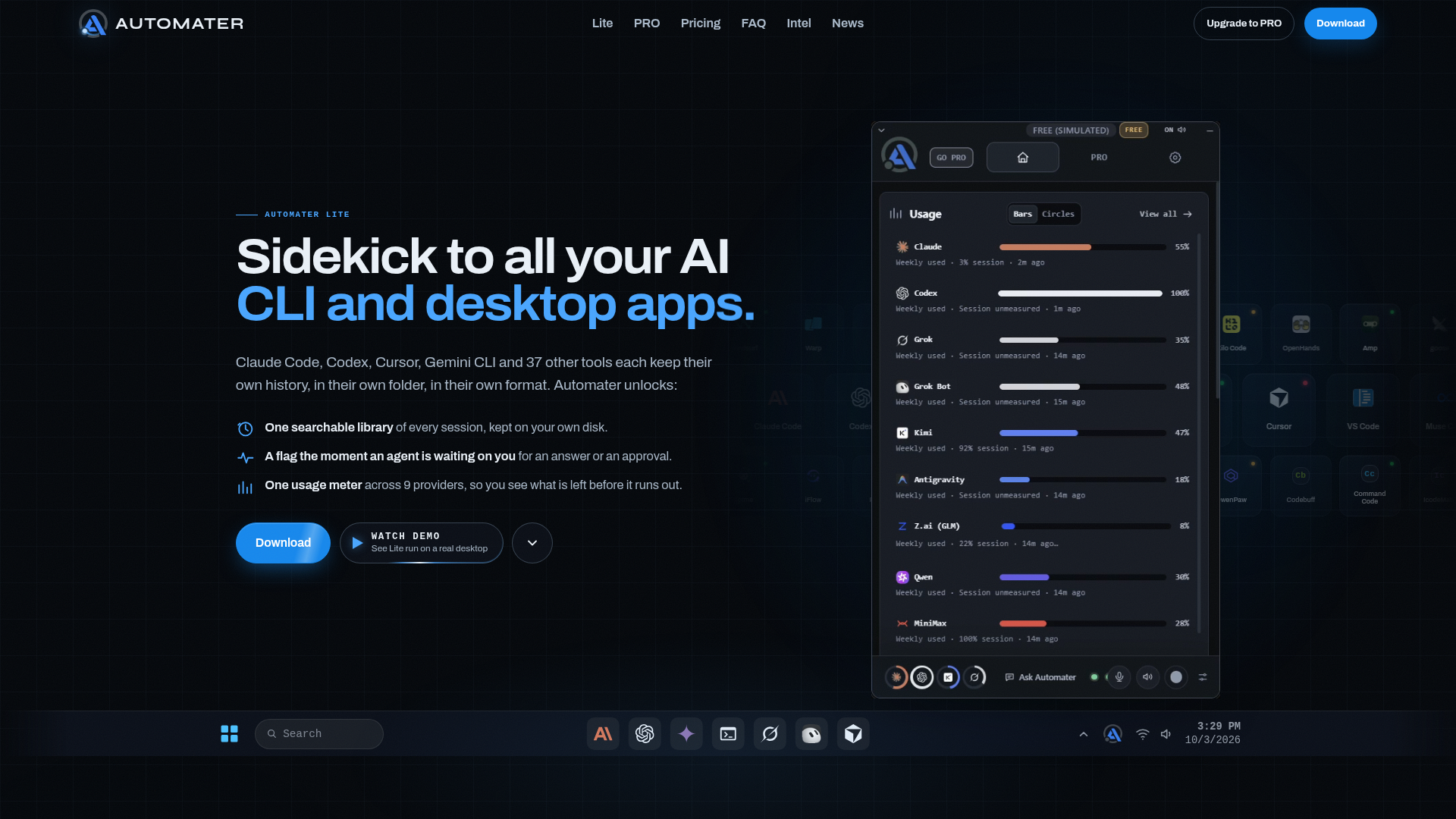
Automater is a desktop-first, local-first AI session manager built for developers who run several AI coding assistants at once and keep losing track of them. Its positioning is that of a single control panel, or sidekick, for the whole AI fleet on a machine: Claude Code, Codex, Cursor, Gemini CLI, Windsurf, Aider, OpenCode, Copilot, Kimi, Qwen Code and dozens of other tools each write their own transcripts in their own folder and their own format, and Automater folds all of them into one searchable library that never leaves the user's disk. The target audience is software engineers, agent power users, prompt engineers, indie builders and small dev teams who juggle five or more assistants a day and want to know what an agent is doing, what is waiting on them, and how much quota is left. Core features include a session library covering 45 session formats from 41 AI apps and CLIs with full-text search across vendors and one-click resume on the 11 CLIs that support it; Live activity with the amber Needs You flag that fires the moment an agent blocks on a question, permission prompt or approval; a usage meter that counts tokens locally and draws quota headroom for nine providers on one screen; Grok Bot chat import into the same library; a Detected AI apps card showing installed versus running tools; and a voice card that turns Ctrl Alt Space into on-device dictation via Parakeet, with Kokoro reading agent status back in a local voice. Content features follow a card-deck model: the panel is the app and each card is a feature, with an Explore Cards library, Automater Intel field guides and AI News alerts. User experience is tray-centric, with four working modes (from the tray, pinned to the desktop, auto-hide at the screen edge, or as a plain window), three themes (Blue, Carbon, Steel), adjustable opacity and reorderable Home cards that persist between launches. Technical features include local indexing with nothing uploaded, cross-platform builds for Windows, macOS and Linux, local and WSL terminal support, opt-in leaderboard publishing, and a genuinely free Lite tier that never expires alongside a paid PRO tier that adds the parts that act: Ask Automater chat with screen awareness, Files, Terminal, Leaderboard, AI News, Live Visualizer, Browser, Camera FX, inline replies to running sessions and cloud voice fallback. Automater keeps sessions, agents and costs organised and under the user's control rather than scattered across a dozen hidden folders.
Similar products
 MkdirsLaunch your directory website effortlessly with Mkdirs, featuring built-in monetization and customization options.
 PearAISupercharge your coding experience with PearAI, the open-source AI code editor integrating the best AI tools.
 3DLogo AIExperience 3DLogo AI, the ultimate AI 3D logo generator for custom branding solutions tailored to elevate your business identity.