

VideoBGRemover
Remove video backgrounds online for free with AI. Keep motion and audio, get transparent WebM or ProRes clips, and preview results before downloading.
AI 图像免费网页公开0 浏览

截图
关于这个产品
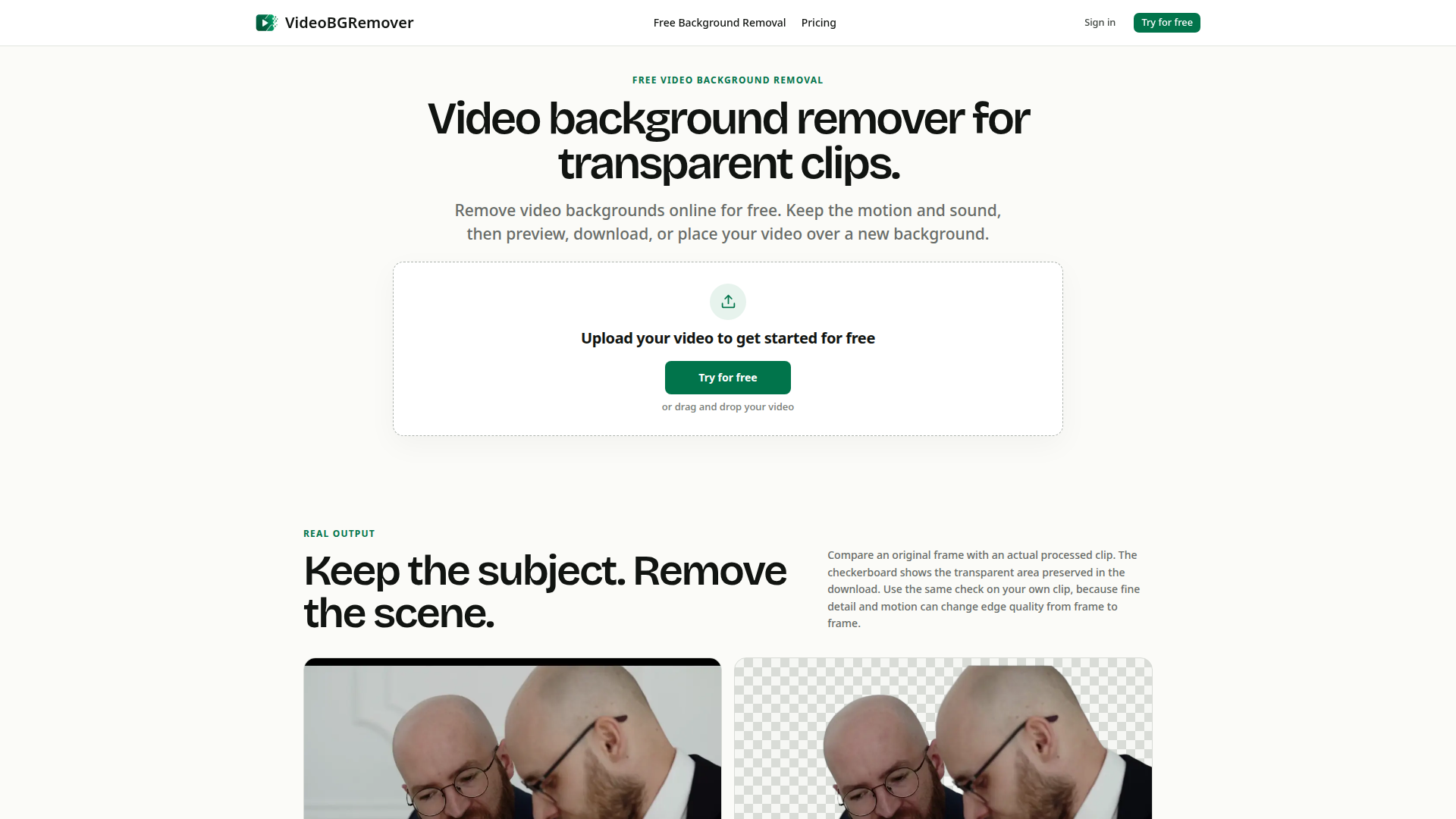
VideoBGRemover is a browser-based AI video editing tool built for one focused job: removing the background from video clips and turning them into reusable transparent assets. Instead of asking users to shoot on a green screen or hand-draw masks frame by frame, it analyses ordinary footage, separates the main subject from the recorded room, office or outdoor scene, and preserves the original motion and audio in the finished result. Its positioning is that of a lightweight, self-serve web utility rather than a full non-linear editor — upload, process, preview and export all happen in a single guided workflow with no software installation. The target audience includes content creators and YouTubers producing talking-head videos, marketers and designers building landing pages or social creative, product teams assembling demo videos, educators and course authors creating tutorials and explainers, and small studios or agencies that need recurring background removal capacity. Core features include AI subject separation without a green screen, clip trimming before processing, audio preservation, a preview canvas that shows the subject over a checkerboard, solid colour or a custom image, and three export routes: transparent WebM with VP9 alpha for the web, transparent ProRes 4444 MOV with an alpha channel for editing workflows, and composited MP4 over a colour or static image for everyday playback. Companion pages extend the same engine to related tasks such as blurring faces in video, blurring a video background, green screen and chroma key removal, creating transparent video and removing GIF backgrounds. Content-wise the site takes an unusually honest, expectation-setting tone: it shows a real original-versus-result frame comparison, states clearly that no AI separation tool is perfect on transparent objects, fast motion blur, reflections or multiple fast-moving subjects, and repeatedly tells users to preview and compare before committing a clip to a final project. The user experience is deliberately low-friction and trust-oriented — free credits to try, private uploads, jobs that keep running in the background so the tab can be closed and revisited, clear job states, and credits returned when processing fails. Technically the platform accepts MP4, MOV and WebM encoded with H.264, HEVC or VP9, validates media details before uploading, processes the selected clip through a background-removal provider, and stores uploads and results in private storage that only the signed-in owner can preview, download or export. Pricing is freemium: a free trial of 30 credits, tiered monthly or annual memberships (Creator, Pro, Studio) and optional non-expiring credit top-ups for active members, with a simple 1 credit = 1 second of successful processing model.
同类产品
 Flux AI ProCreate high-resolution images effortlessly with Flux AI Pro, the advanced AI image generator renowned for its excellent text rendering capabilities.
 Girlfriendly AIDiscover Girlfriendly AI, the ultimate NSFW character chat platform offering unrestricted interactions and various adult roleplay scenarios to explore.
 Red Panda AIUnlock your creativity with Red Panda AI, the cutting-edge platform for generating stunning visuals in seconds. Perfect for all creative professionals.